负责:下载中心(Android 下载 H5 中转)
手机微信/支付宝扫码后,利用一个遮罩层提示用户前往浏览器下载
效果图
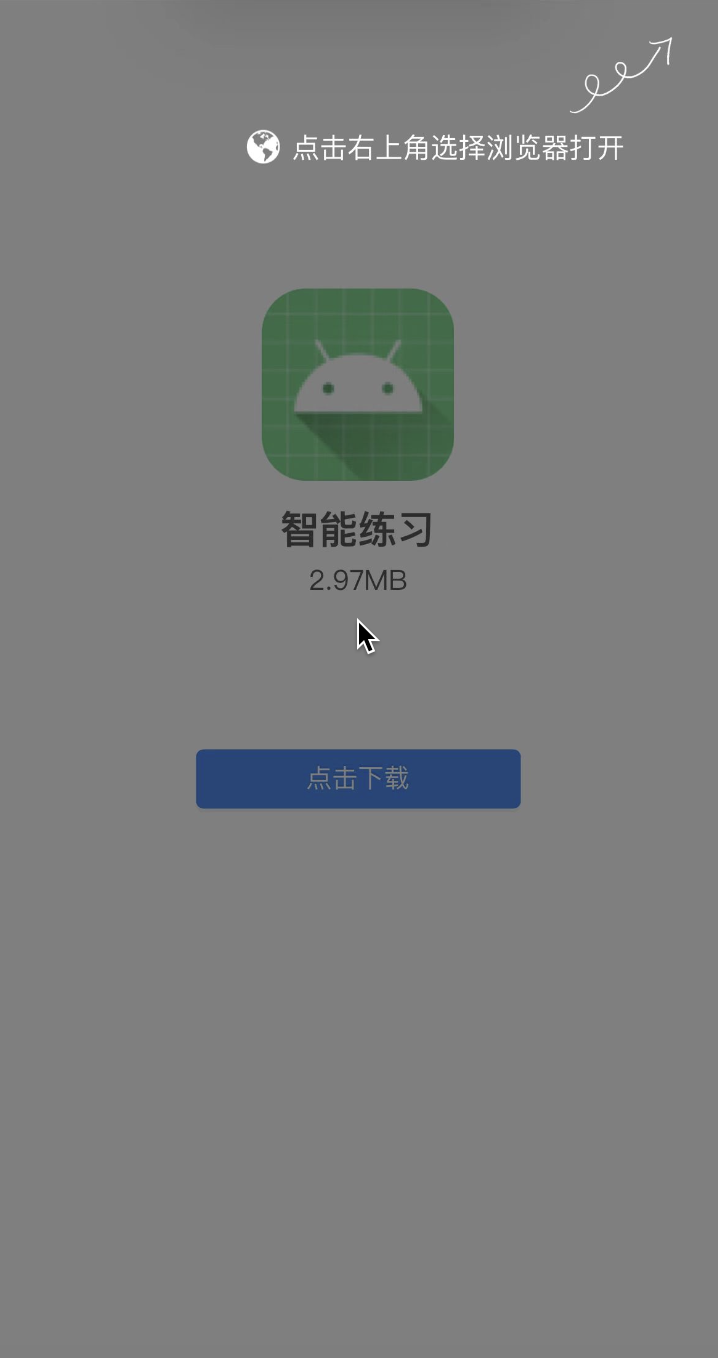
问题/难点:
(1)移动端适配(不利用插件)
(2)判断设备类型
- 判断是微信扫的二维码还是支付宝
- 判断是 IOS 设备还是 Android
实现:
问题(1)
移动端适配思考两个问题
- 问题一 : 针对不同的屏幕,设置 html 不同的 font-size
- 问题二 : 讲原来要设置的尺寸,转化成 rem 单位
问题一的解决方式
1、媒体查询 通过媒体查询来设置不同尺寸范围内的屏幕 html 的 font-size 尺寸
1
2
3
4
5
6
7
8
9
10
11
12
13
14
15
16
17
18
19
20
| @media screen and (min-width: 320px) {
html {
font-size: 16px;
}
}
@media screen and (min-width: 375px) {
html {
font-size: 18px;
}
}
@media screen and (min-width: 414px) {
html {
font-size: 20px;
}
}
@media screen and (min-width: 480px) {
html {
font-size: 22px;
}
}
|
2、利用 JS 动态改变 html 的 font-size 大小
1
2
3
4
5
6
7
8
9
10
11
12
13
14
15
16
17
18
19
20
21
| const htmlDom = document.documentElement
function serRemFontSize() {
const htmlWidth = htmlDom.clientWidth
const htmlFontSize = htmlWidth / 10
htmlDom.style.fontSize = htmlFontSize + 'px'
console.log(htmlWidth)
}
serRemFontSize()
window.addEventListener('resize', serRemFontSize)
window.addEventListener('pageshow', function (e) {
if (e.persisted) {
serRemFontSize()
}
})
|
3、使用 lib-flexible 库
问题二的解决方式
1、使用 scss 的函数或者 less 的混入来计算
1
2
3
4
5
6
7
8
9
10
11
12
13
14
15
16
17
| @textColor: #12345678;
.poToRem(@px) {
result: 1rem * (@px / 37.5);
}
.box {
width: .poToRem(100) [result];
height: .poToRem(100) [result];
}
p {
font-size: .poToRem(16) [result];
}
|
2、使用 postcss-pxtorem 插件
1
2
3
4
5
6
7
8
9
10
11
12
13
14
15
| npm install postcss-pxtorem --save-dev
需要在webpack中配置
module.exports = {
plugins: [
require('postcss-preset-env'),
require('postcss-pxtorem')({
rootValue: 37.5,
propList: ['*'],
exclude: /node_modules/i
})
]
};
|
3、使用 VSCode 插件 : px to rem 插件
问题(2)
1、判断是微信页面还是支付宝页面
1
2
3
4
5
6
7
8
9
10
11
12
13
14
15
16
17
18
|
function isWechat() {
let userAgent = navigator.userAgent.toLowerCase()
if (userAgent.match(/MicroMessenger/i) == 'micromessenger') {
return true
} else {
return false
}
}
function isAlipay() {
let userAgent = navigator.userAgent.toLowerCase()
if (userAgent.match(/Alipay/i) == 'alipay') {
return true
} else {
return false
}
}
|
2、判断是否是 ios 设备
1
2
3
4
5
| function isIos() {
let userAgent = navigator.userAgent
let isiOS = !!userAgent.match(/\(i[^;]+;( U;)? CPU.+Mac OS X/)
return isiOS
}
|